

 Dora
Dora

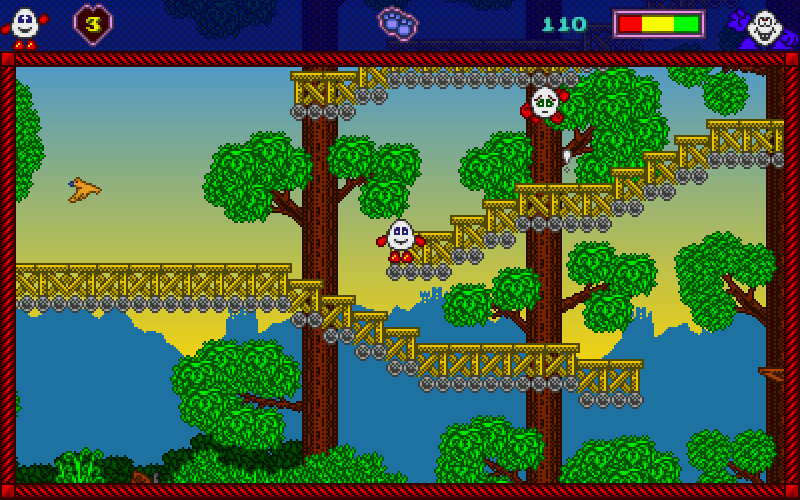
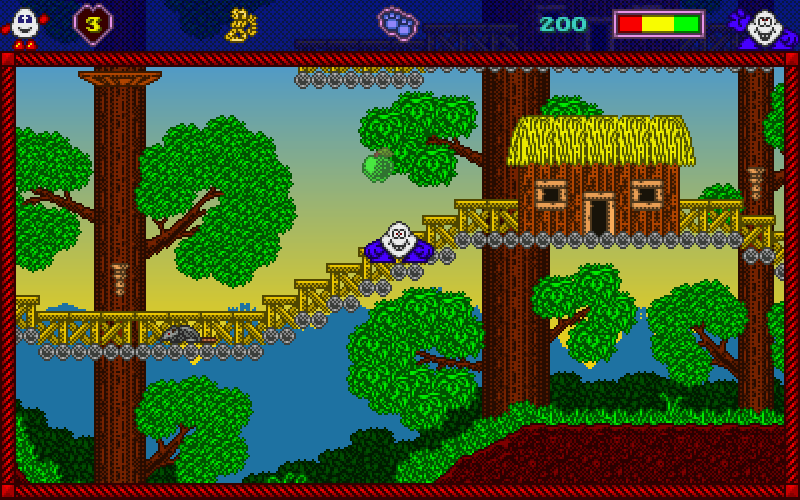
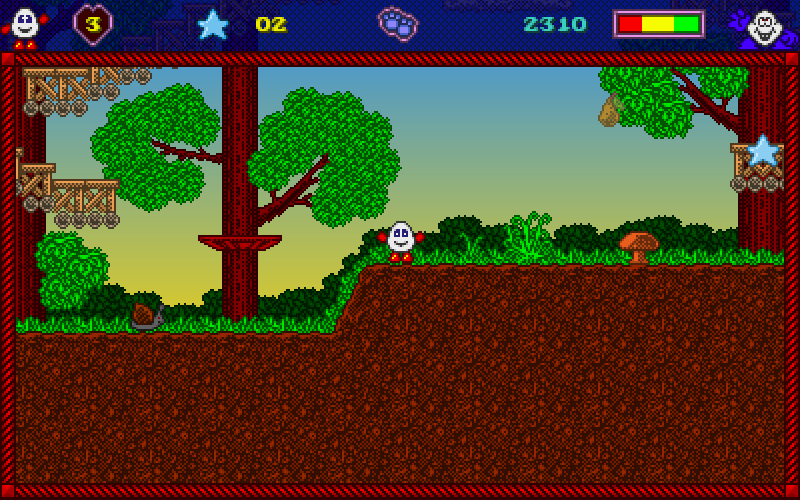

Dizzy and Seymour have known each other for many years.
Dizzy has spent most of his life protecting his family and friends from the evil wizard Zaks.
With lots of experience with exploring, puzzle solving and using his knowledge to outsmart his enemies, Dizzy is seen as Zakeria's biggest hero.
Seymour started off in life as a janitor for Findelmeyer Studios.
After proving his helpfulness and showing off his acting skills, Seymour became a superstar.
One day, Seymour and his film crew visit Keldor town for their next movie.
Unfortunately for them, Zaks causes carnage in the town forcing everybody to flee.
The film crew fled in one direction out of town, while Seymour found himself heading towards Keldor forest where he bumps into Dizzy.
After learning about Zaks' latest attack, Dizzy and Seymour team up as they seek help from good wizard Theodore, and together manage to defeat Zaks.
Seymour becomes good friends with Dizzy and the Yolkfolk and he decides to move to a quiet part of Keldor to become a book author.
Now, usually most stories end here.
But one day, Dizzy tells Seymour that the Yolkfolk have disappeared and believes that this could be Zaks' doing.
Can you help Dizzy and Seymour solve the mystery and save the Yolkfolk?
Dizzy has spent most of his life protecting his family and friends from the evil wizard Zaks.
With lots of experience with exploring, puzzle solving and using his knowledge to outsmart his enemies, Dizzy is seen as Zakeria's biggest hero.
Seymour started off in life as a janitor for Findelmeyer Studios.
After proving his helpfulness and showing off his acting skills, Seymour became a superstar.
One day, Seymour and his film crew visit Keldor town for their next movie.
Unfortunately for them, Zaks causes carnage in the town forcing everybody to flee.
The film crew fled in one direction out of town, while Seymour found himself heading towards Keldor forest where he bumps into Dizzy.
After learning about Zaks' latest attack, Dizzy and Seymour team up as they seek help from good wizard Theodore, and together manage to defeat Zaks.
Seymour becomes good friends with Dizzy and the Yolkfolk and he decides to move to a quiet part of Keldor to become a book author.
Now, usually most stories end here.
But one day, Dizzy tells Seymour that the Yolkfolk have disappeared and believes that this could be Zaks' doing.
Can you help Dizzy and Seymour solve the mystery and save the Yolkfolk?


